ALLB AI Video Editor · One production workspace
Create every type of AI video with one subscription.
Reels, Shorts, UGC ads, product videos, education, children’s animation, avatars, short films, series and image-to-video all live in the same AI Video Studio. You do not buy separate services; your plan provides production capacity and production capacity.
✓ All production types in one studio✓ Production service usage shown before production✓ Plan and usage management in the customer panel✓ User-approved social publishing
AI VIDEO PREVIEW
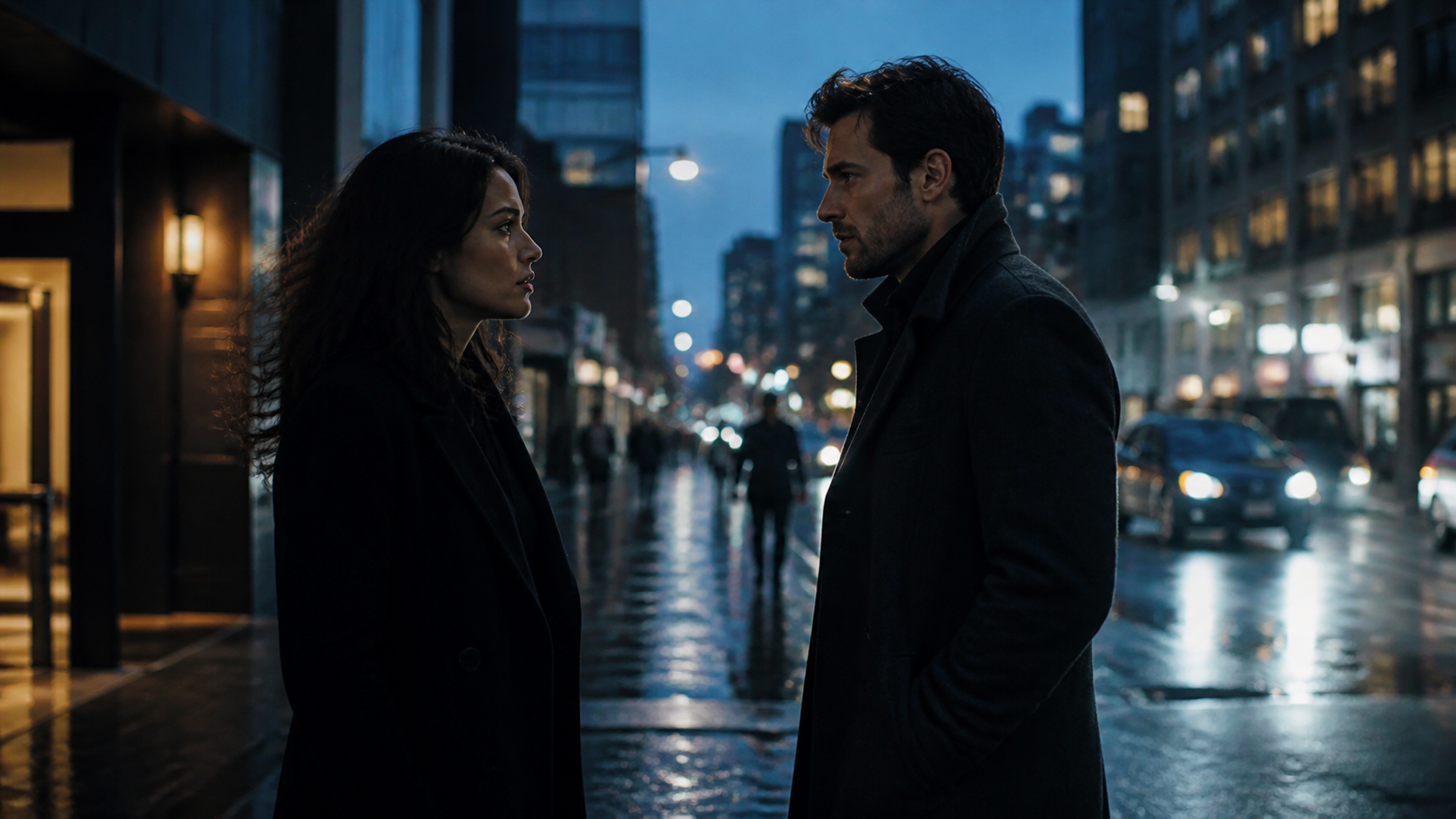
Short Film / CinematicStoryboard · character · camera · audio
Reels / Shorts9:16 hızlı sosyal içerik
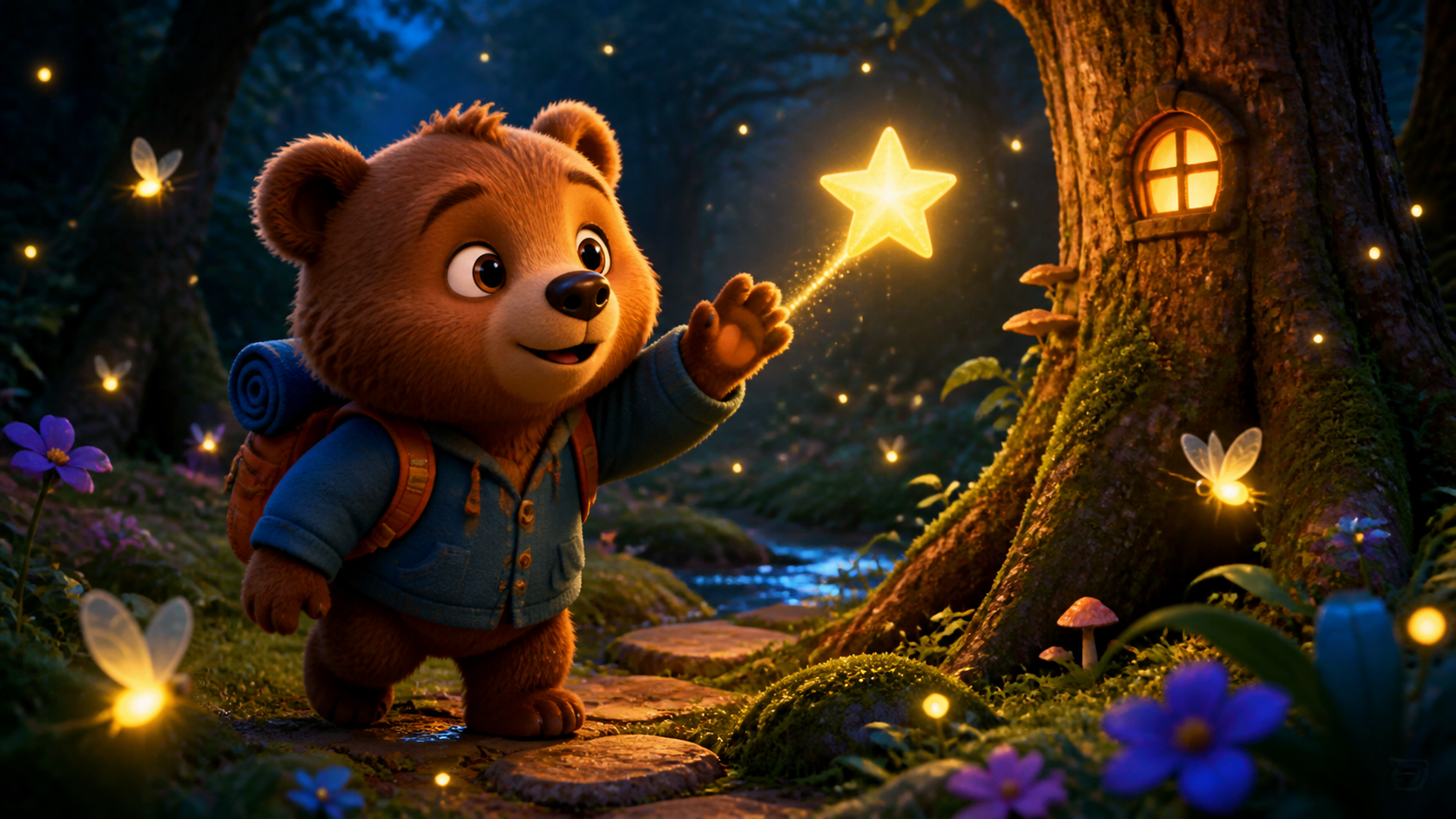
Kids / AnimationConsistent characters and story
Production variety from the customer studio
Whatever you want to make, the right route is ready.
These are not separate packages. They are production modes inside the same studio, used with the production capacity in your plan.
✦
Automatic Video Agent
Analyzes your idea and recommends the right type, ratio, duration and production route.
Best for: First-time creators, mixed briefs and the fastest guided start.
Example prompt
Create a 45-second warm children’s adventure about Ayı Dobo.⚡
Reels / Shorts
Creates fast vertical content with a strong opening for TikTok, Reels and YouTube Shorts.
Best for: Social growth, campaign clips, quick education and trend formats.
Example prompt
Turn this topic into a 30-second 9:16 Reel with a strong hook and clear CTA.📱
UGC Ad
Builds creator-style ads using natural delivery, problem–solution structure and a clear sales CTA.
Best for: Product demos, social ads, creator-style proof and performance creative.
Example prompt
Create a sincere 25-second UGC ad from the perspective of a first-time user.🛍
Product / URL Video
Turns product copy, pages or images into benefit-led promotional videos.
Best for: Launches, feature explainers, unboxing, catalog and product-page content.
Example prompt
Review the product URL and create a 40-second video focused on customer benefits.🎬
Short Film / Cinematic
Uses scene planning, camera language, continuity and cinematic editing for story-led videos.
Best for: Short films, trailers, brand films, dramatic ads and cinematic storytelling.
Example prompt
Create a 90-second, three-scene short film set on a rainy night in Istanbul.🎭
Story / Series
Plans episodic stories or book adaptations while preserving character, world and plot continuity.
Best for: Series episodes, book adaptation, recurring stories and continuity-driven projects.
Example prompt
Plan this story as a six-episode series while preserving character and world rules.🧸
Children / Animation
Creates age-appropriate stories with safer scene design and consistent illustrated or 3D characters.
Best for: Fairy tales, preschool content, educational animation and recurring child-friendly characters.
Example prompt
Tell Little Red Riding Hood as a 20-scene children’s video with consistent characters.💡
Education / Explainer
Breaks information into clear steps and adds narration, examples and subtitles.
Best for: Courses, product education, expert content, onboarding and how-to videos.
Example prompt
Explain the solar system to primary school students in 60 seconds.🖼
Image / Reference to Video
Animates still images or uses reference material to guide pacing, framing and visual direction.
Best for: Portrait animation, product B-roll, travel, style reference and image-to-video.
Example prompt
Animate my uploaded image with gentle camera motion while preserving face and colors.🧑💼
Avatar / Presenter
Creates presenter-led video with speech, dubbing and multilingual subtitles.
Best for: Corporate presentation, training, news-style, product narration and localization.
Example prompt
Present this text in Turkish with a natural female presenter and English subtitles.✨
Enhance Video
Combines clip extraction, subtitles, dubbing, reframing and quality enhancement for existing footage.
Best for: Repurposing, short clips, localization and social format conversion.
Example prompt
Create three short clips from my video, add subtitles and adapt them to 9:16.AI Video Engines
Different engines excel at different jobs.
ALLB is not tied to one video model. Supported provider profiles can connect to the same workflow. Actual availability depends on active API access and provider plans.
 AI VIDEO ENGINE
Cinematic general-purpose generation
Runway Gen-4.5
A broad video model for realistic camera motion, image-to-video and commercial/cinematic scenes.
Best use: Short film, ads, product footage, UGC support scenes, camera movement.
Official Examples + Engine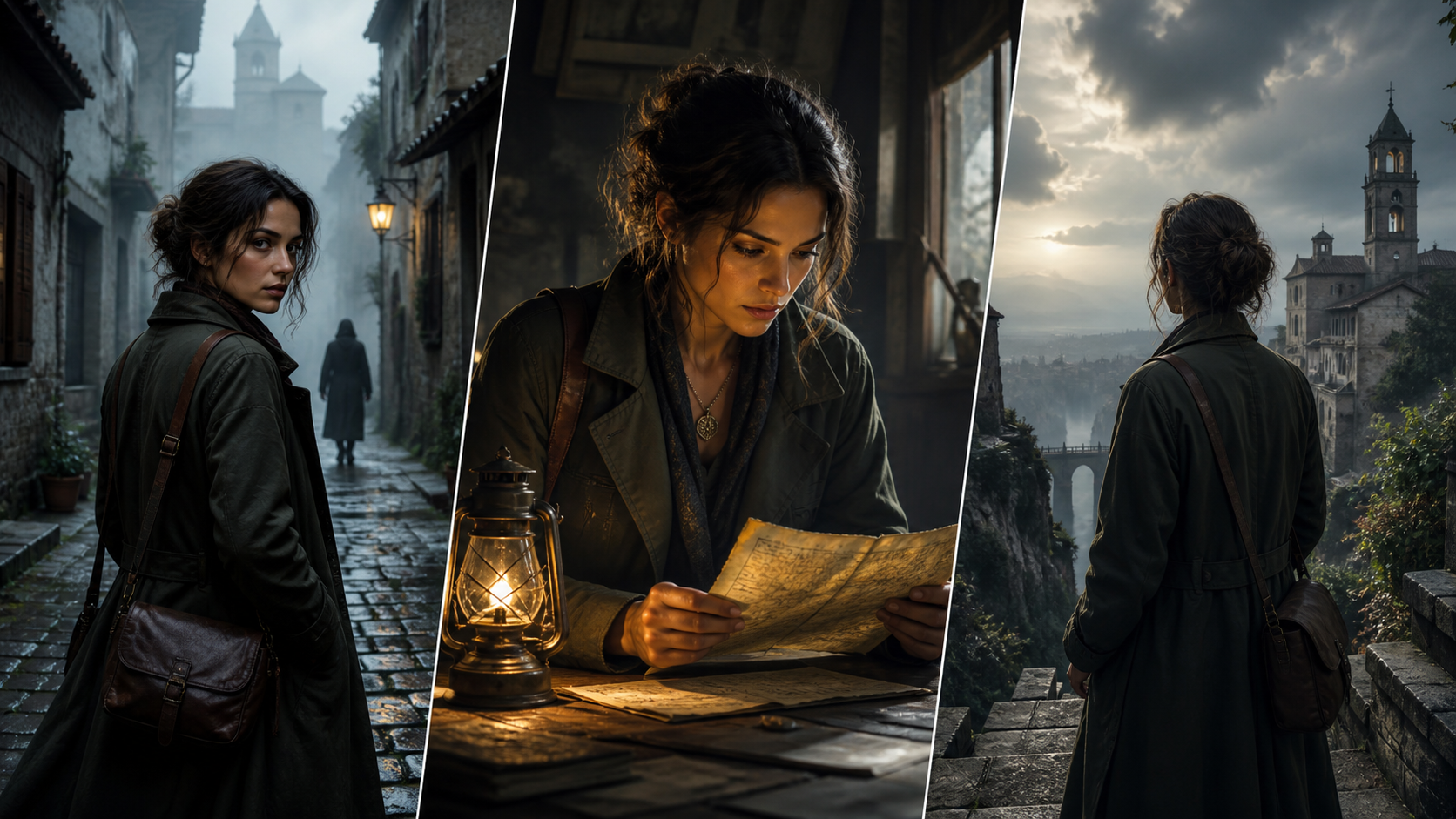 AI VIDEO ENGINE
Natural motion and realistic scenes
Google Veo 3.1 · Runway
Strong for realistic environments, object/people motion and cinematic scene generation.
Best use: Film/series, outdoor scenes, drama, product-in-use.
Official Examples + Engine AI VIDEO ENGINE
Short scenes and character motion
Hailuo 3 · Runway
Useful for short character motion, social scenes and alternate video variations.
Best use: Character motion, short social clips, product B-roll.
Official Examples + EngineAI VIDEO ENGINERealistic cinematic generation
Google Veo 3.1 · Gemini API
Veo 3.1 profile through a direct Google Gemini API integration.
Best use: Realistic scenes, cinematic storytelling, product use and outdoor footage.
Official Examples + Engine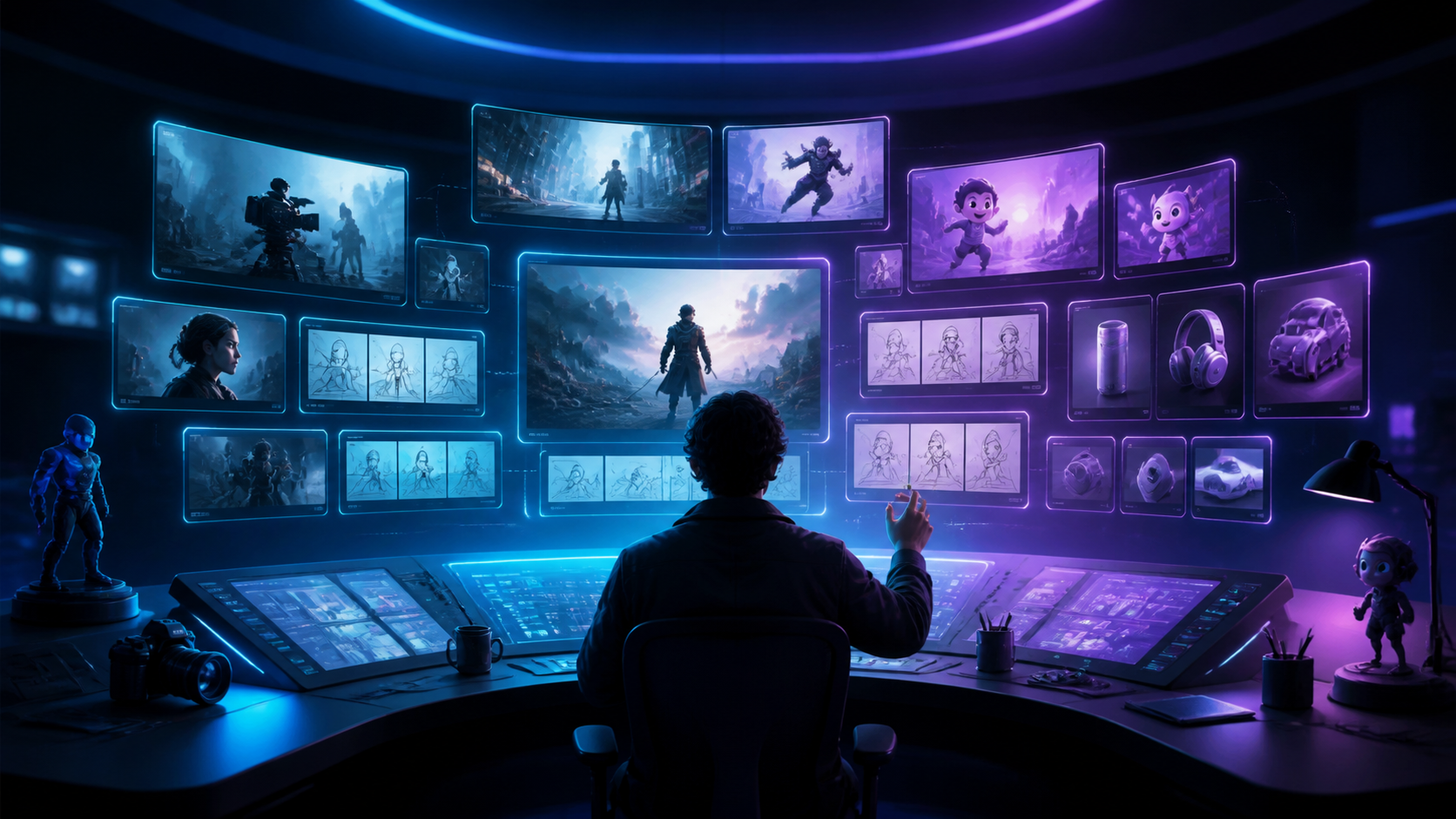 AI VIDEO ENGINE
Creative scene and concept generation
OpenAI Sora 2
A model profile for turning natural-language ideas into creative visual video scenes.
Best use: Concept ads, social content, creative storytelling and experimental scenes.
Official Examples + EngineAI VIDEO ENGINEHigher-quality creative generation
OpenAI Sora 2 Pro
A quality-focused Sora production profile for premium creative work.
Best use: Premium concepts, cinematic social content and high-quality creative.
Official Examples + Engine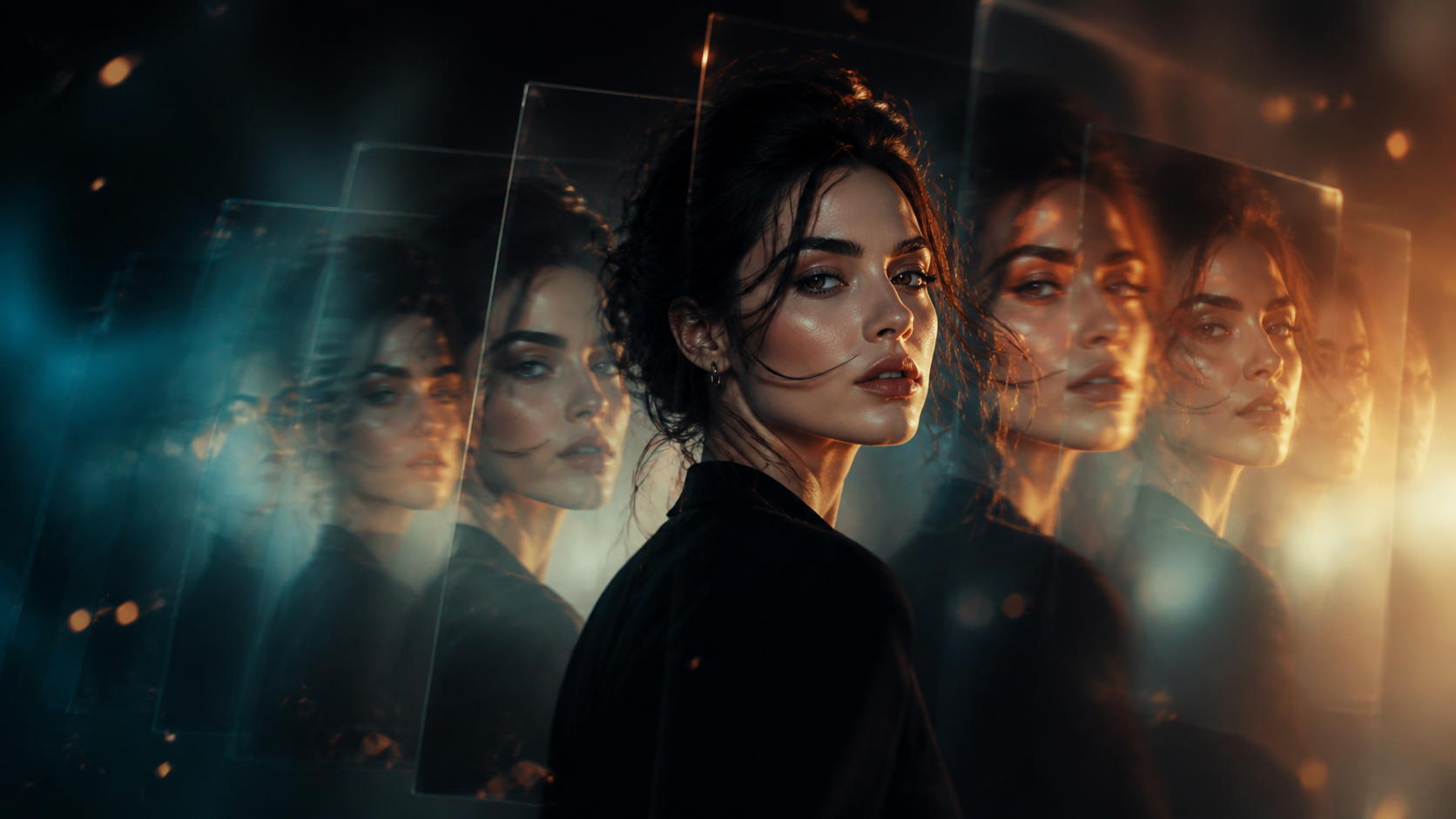 AI VIDEO ENGINE
Fluid motion and image-to-video
Luma Ray 2
Strong for image animation, smooth camera motion and atmospheric short scenes.
Best use: Fashion, product close-ups, music visuals, B-roll, image animation.
Official Examples + Engine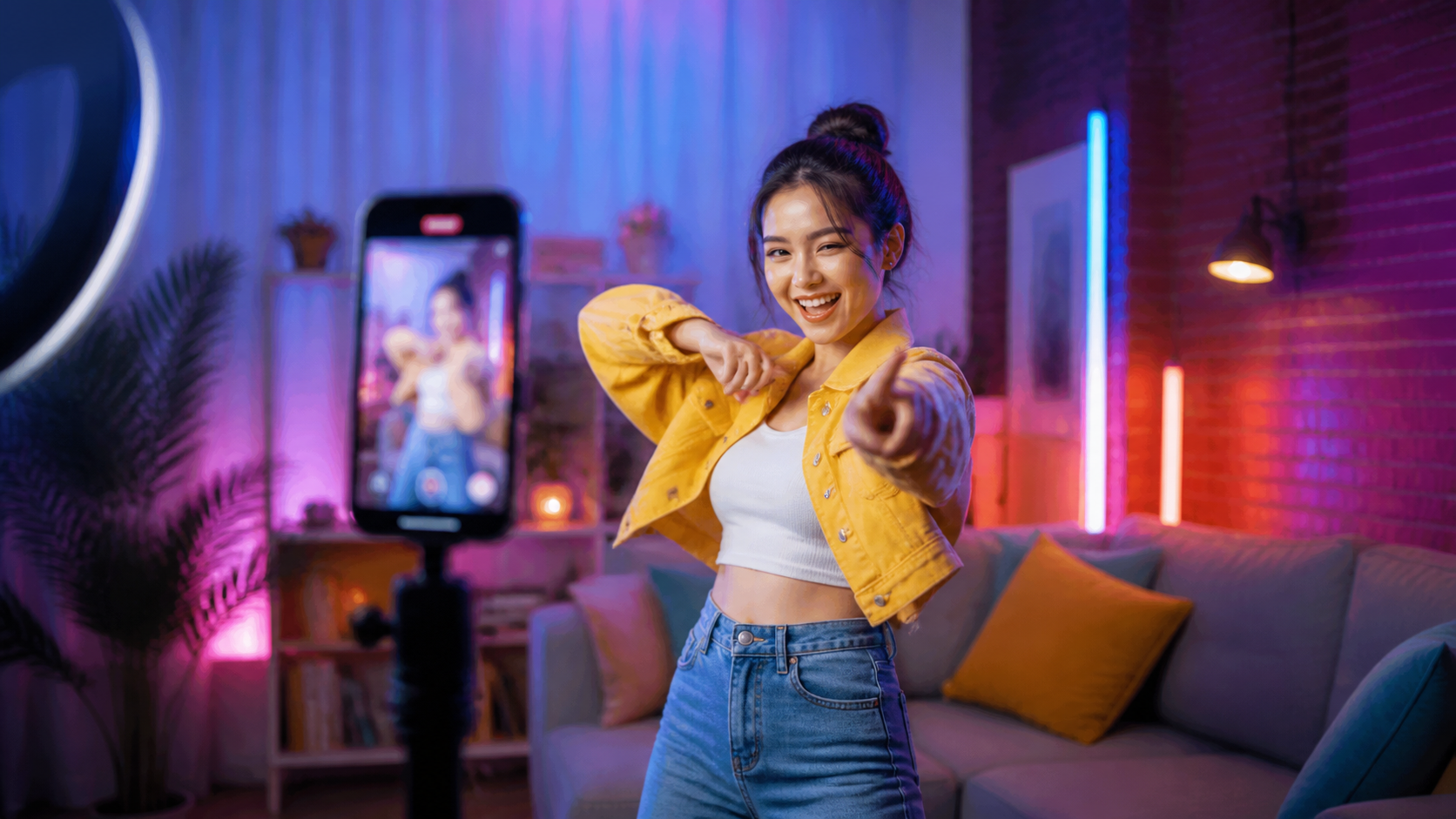 AI VIDEO ENGINE
Fast social and creative video
Pika 2.5
Useful for short attention-grabbing social clips and rapid creative variations.
Best use: TikTok, Reels, Shorts, short product ads and fast variations.
Official Examples + EngineThis section is an integration and usage guide. A visible card does not guarantee that an engine is currently active or free. Production only exposes configured and available connections.
From one prompt to the final video
How does AI video production work?
Simple mode can start from one prompt. When more control is needed, storyboard, continuity, provider selection and advanced settings stay on the same project.
Write the idea
Describe goal, audience, duration, platform and details that must remain consistent.
Choose a type
Let Automatic Agent recommend a route or choose Reels, UGC, film, education, children and more.
Review the plan
The system prepares the scene and production plan before expensive generation.
Use the right engine
An available provider suited to the task is selected without sending the same scene unnecessarily to multiple engines.
Voice, captions and edit
Narration, dubbing, subtitles, scene order and output settings are managed in one project.
Export and publish
Download supported outputs and publish to connected social accounts only with your approval.
One studio, specialist tools
Production control, not just generation.
Character Continuity
Help preserve face, wardrobe, body and visual style across scenes and episodes.
Storyboard & Director
Review shots, camera, light, motion and text layers before production.
Multilingual Voice & Dubbing
Localize narration, dubbing and subtitles for international audiences.
Image to Video
Animate uploaded photos or reference images.
Video Enhancement
Create clips, reframe, subtitle, dub and repurpose existing video.
Social Publishing
Users initiate account connections and approve publishing destinations.
Project Memory
Carry approved story, world and character continuity across recurring content.
API & Automation
Scale suitable workflows with APIs, workers and queues while keeping technical details out of the customer UI.
From idea to cinematic sceneStoryboard · Camera · Continuity · Sound
16:9 · cinematic workflowAI DIRECTOR WORKFLOW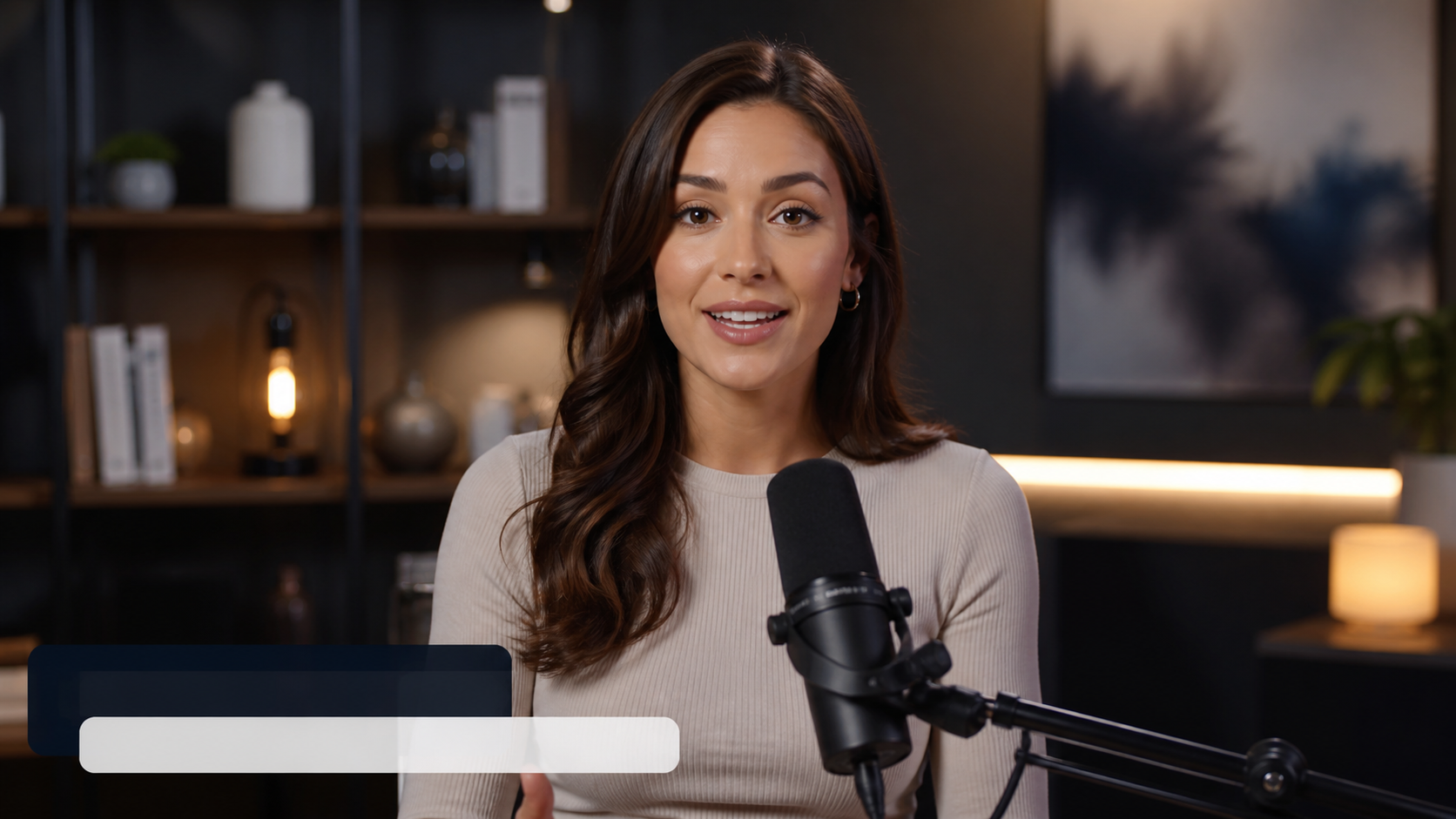
Create a shot plan, not just a video.
Scenes, shots, camera choices, character continuity, narration and captions remain inside one production workflow before generation begins.
AI VIDEO ENHANCEMENT
Turn existing footage into reusable content.
Plan enhancement, resizing, captions and dubbing in the same workspace.
BEFORE · SOURCE
AFTER · AI ENHANCED
PRODUCTION PIPELINE
One production pipeline from idea to final video.
Planning, generation, voice, captions and quality control move through one connected workflow.
✦IDEA
✎SCRIPT
▦STORYBOARD
▶GENERATE
◉VOICE
♫MUSIC
CCSUBTITLE
✓QUALITY
Character Marketplace
Videolarınız için hazır karakterleri keşfedin.
Varsayılan ALLB karakterlerini, ücretsiz ve premium resmi karakterleri ve yayınlanmış topluluk karakterlerini görüntüleyin. Her karakterin referanslarını ve ayrıntılarını ayrı karakter sayfasında inceleyin.
8 platform0 topluluk
Simple pricing
Choose the subscription that fits your workflow.
There is no separate payment per video type. The public sales page lists subscriptions only. Additional production services are managed after sign-in from the customer panel.
Creator Start
5 GB medya alanı, aylık video üretim hakkı, 60 saniyeye kadar video ve 1080p hedef çıktı.
799,00 TRY / month
- 5 GB medya alanı
- Video başına azami 60 sn
- 1 eşzamanlı üretim
- Azami 1080P çıktı
- 3 kayıtlı karakter · filigransız
Creator Pro
20 GB medya alanı, aylık video üretim hakkı, 180 saniyeye kadar video, 4 eşzamanlı üretim ve 2K hedef çıktı.
2.999,00 TRY / month
- 20 GB medya alanı
- Video başına azami 180 sn
- 4 eşzamanlı üretim
- Azami 2K çıktı
- 15 kayıtlı karakter · filigransız
Ajans
60 GB medya alanı, aylık video üretim hakkı, 600 saniyeye kadar video, 10 eşzamanlı üretim ve 4K hedef çıktı.
8.999,00 TRY / month
- 60 GB medya alanı
- Video başına azami 600 sn
- 10 eşzamanlı üretim
- Azami 4K çıktı
- 50 kayıtlı karakter · filigransız
Start your first video with the production type you need.
Choose the subscription that fits your workflow and continue production from your customer panel.